Money Alerts that hit hard
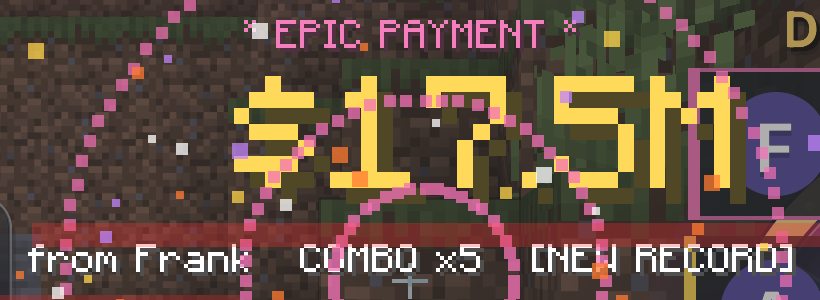
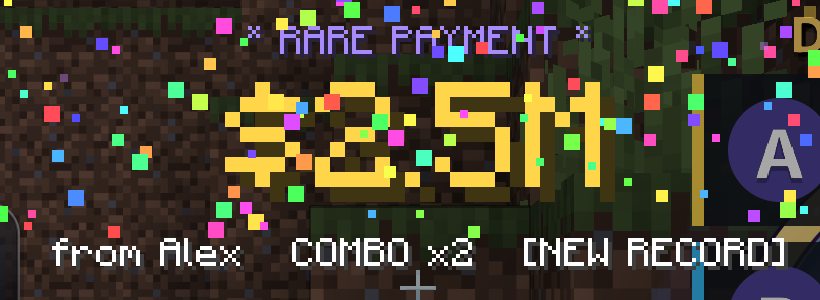
Every payment lands as a card with its own sound. The bigger it is, the harder it hits: screen shake, FOV punch and confetti, and for the huge ones, a full cinematic.
Streamer Plus brings your live stream, your chat and every payment you get into Minecraft. No more alt-tabbing, and your viewers see every big moment as it happens.
Works with
Everything lives in one menu. Press End or type /birdmod, switch on what you need and get back to playing.
Every payment lands as a card with its own sound. The bigger it is, the harder it hits: screen shake, FOV punch and confetti, and for the huge ones, a full cinematic.
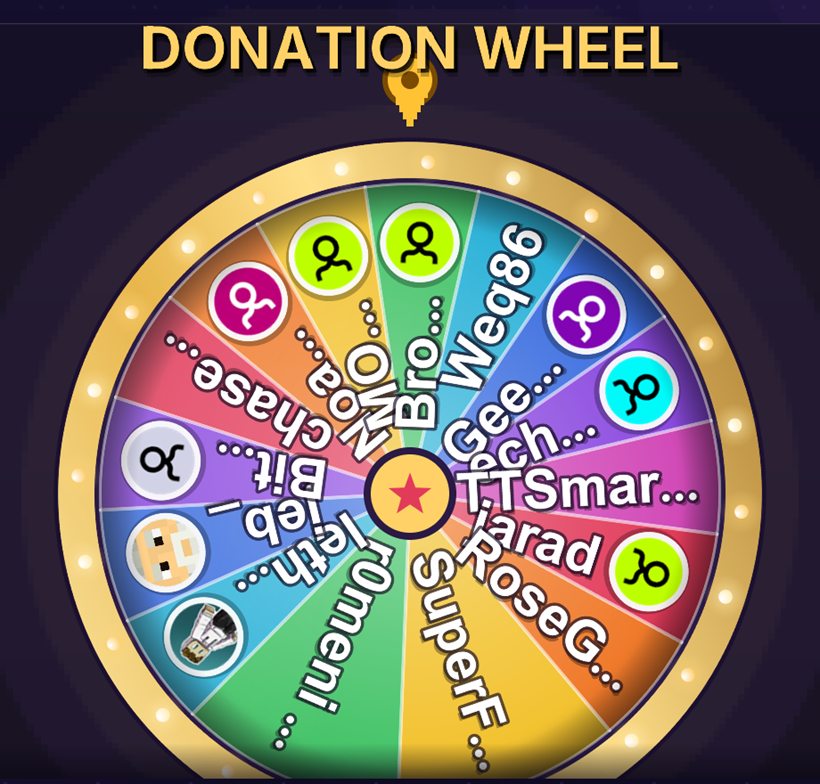
Pay or donate to join. Hit Start, then Stop, and the wheel picks a winner live on screen.
Paste a Twitch, YouTube or TikTok link and it plays on a screen you place anywhere, with sound, in up to 1080p. The player is built in, so there's nothing else to install.
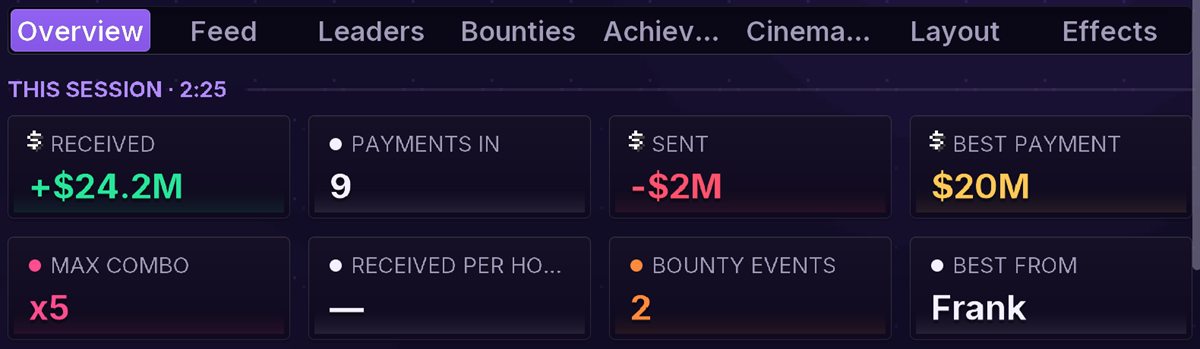
Received, sent, best payment, combos and goals, for this session and all time. Money you get shows green in chat and money you send shows red.
Follow one streamer, or sync Twitch, YouTube and TikTok chat together, with emotes, badges and Super Chats.
Gifts, subs, bits and follows pop up on screen. Hit your follower goal and the HUD celebrates.
What's playing, with controls and synced lyrics on screen or floating in the world. No login needed.
Built for DonutSMP. When someone pays you, Streamer Plus reads the server's message and turns it into a show for you and your viewers.
The amount picks the tier. Each tier has its own color, sound and amount of confetti.
Pick one per amount, or let the mod shuffle them so you never see the same one twice in a row.
/payfx scene rocket, or every tier with /payfx demo.Pick an amount and hit send. From $50M up, the alert becomes a full scene. In the game it's louder, with sound and much more going on.
Only a browser preview. No money moves anywhere.
This is the full list. Each one has its own switch, so you only see what you use.
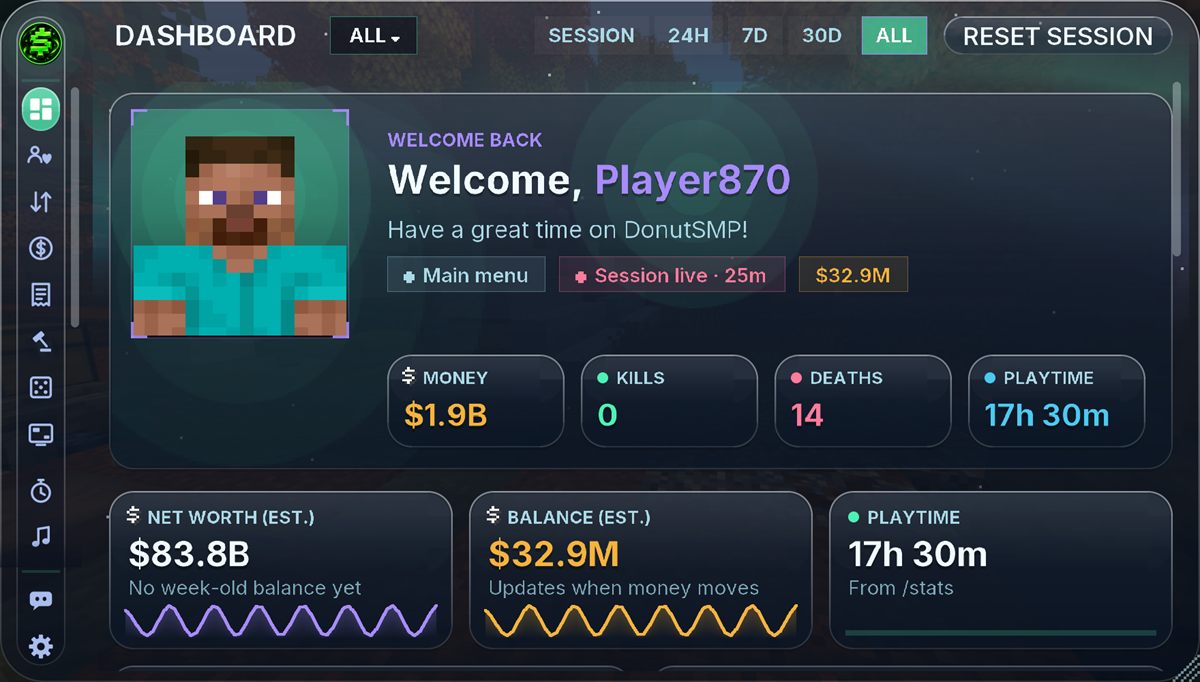
Your money, kills, deaths, playtime, net worth and balance at a glance, by session, day, week or all time.
Every payment in and out, saved once and counted everywhere. Remove one and it's gone from every stat.
Payment alerts, big reveals, leaderboards, bounties and achievements.
A clean list of what you bought and sold, including items.
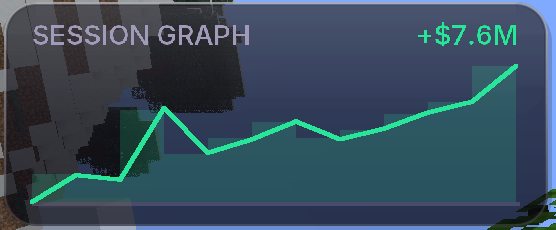
Wins, losses, win rate and streaks per session, your results over time, a profit graph and a calendar.
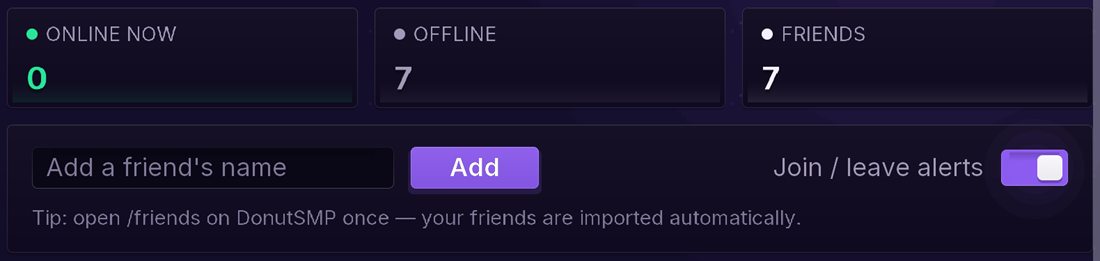
See who's online and when they joined and left. Open /friends once and your friends are imported.
Run auctions with live bids on screen.
Watch a streamer or a video in game, with sound, on a screen in the world or on your HUD.
One streamer's chat, or Twitch, YouTube and TikTok synced, beside the screen, in a corner or floating in the world.
Gifts, subs, follows and viewers on stream, with pop-ups and a follower goal.
Gifts, views and sessions over time, for each streamer you follow.
Payers, bits and gifts join automatically. Start, then Stop, to pick a winner.
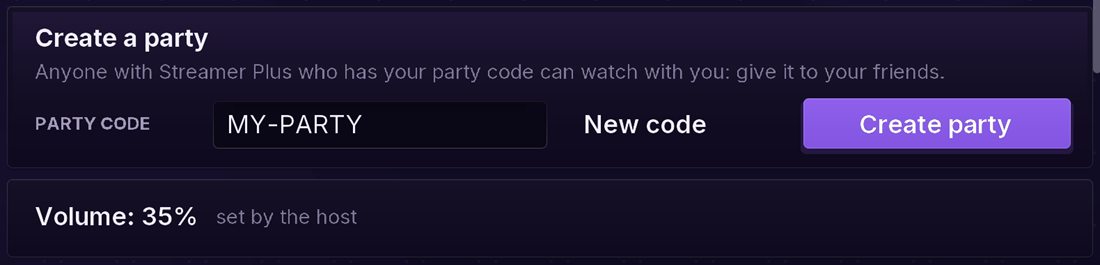
Create a party code and friends with the mod watch the same stream with you, in sync.
Your Spotify app, controls, lyrics and 3D lyrics in the world. No login needed.
A countdown on screen, with an optional voice counting down the last seconds.
Pick what shows on your screen in game, then drag and resize every piece.
Put your own PNG or JPG files on your HUD, like a logo or a webcam frame.
Your own text on the HUD, with colors and animations.
Text floating in the world. Only you can see it.
14 looks for the menu, from Liquid Glass to Christmas.
The basics up front, everything else under More settings, including every keybind.
Streamer Plus watches your back while you stream.
14 looks for the menu. Click one to see it. These are real screenshots from the game.
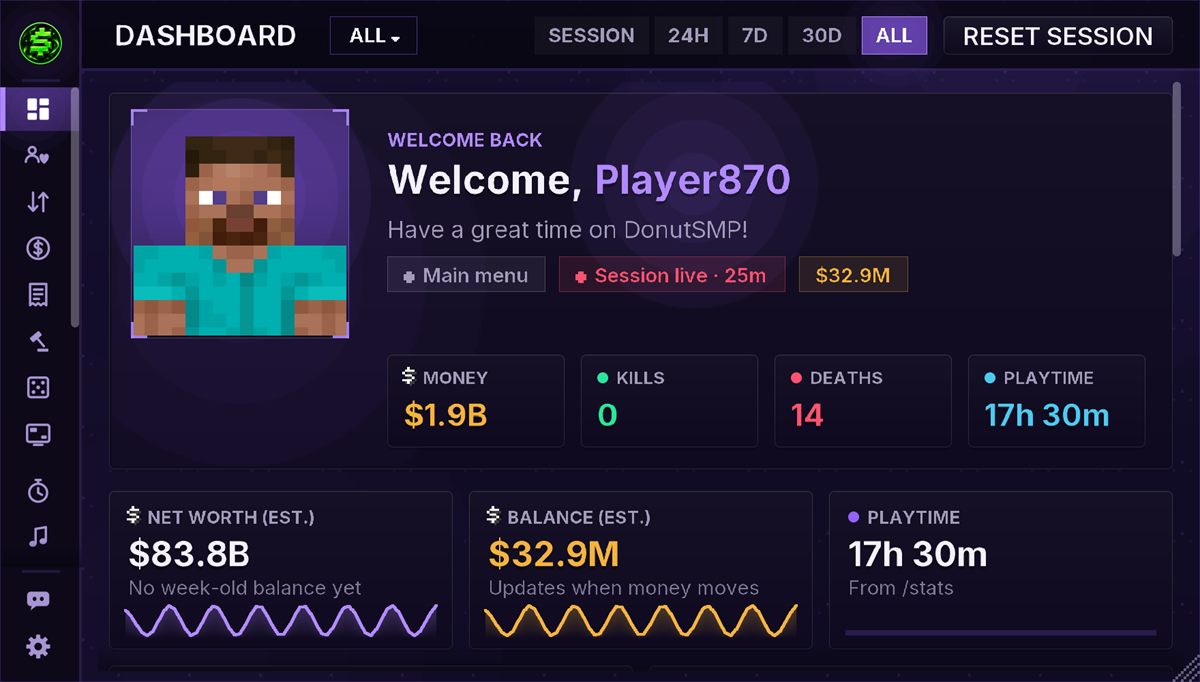
Purple Dashboard. Dark purple economy dashboard with sharp panels.
With online features on, a badge shows next to the names of other players using the mod, in chat and in the tab list. The team's badges show even when they're offline.


All of these run on your side only. None of them send anything to the server.
EndOpen the Streamer Plus menu. Change it in Options › Controls./birdmodOpen the menu from chat./payfxShow every Money Alerts command./payfx statsThis session's money in, out, best payment and combo./payfx top payersOpen the leaderboards (payers, sent, hunters, targets, me)./payfx scene rocket 1bPreview any cinematic with any amount./payfx demoPlay every tier as a test. Nothing is saved./payfx goal 10bSet a session goal, or goal off./payfx min 100kOnly alert for payments of this amount and up./payfx moveDrag alerts and boards where you want them./payfx on | offTurn Money Alerts on or off./payfx resetStart a new session. Your all-time stats stay.More keybinds (HUD on/off, edit HUD, timer, wheel, Spotify play, next and lyrics) can be set in Options › Controls under Streamer Plus.
Streamer Plus 2.0.1 for three Minecraft versions, with the same features in all three.
streamerplus-2.0.1-mc26.3.jarbc061564e75e3977e143ff96a33e34a9e02ac90e06221ecc0d6a84f167173e25streamerplus-2.0.1-mc26.2.jar71ee5ebdec0366eb34d92ec4487ba8021bac90a16948124984251d64d9fefb7dstreamerplus-2.0.1-mc1.21.11.jar73e299001a5cbd14aba4a5687f7c36f54b30dac32d7f0b8b2bc99d226b210e7fIn Modrinth, Lunar Client or the Fabric installer, make a Fabric profile for 26.3, 26.2 or 1.21.11.
Put the Streamer Plus file for your version and Fabric API into that profile's mods folder.
Launch the game and press End (or type /birdmod). A short setup walks you through linking your stream.
Lunar Client: use a Fabric profile on 26.3 and add Fabric API next to Streamer Plus. Close Lunar completely before you replace the file with a new version.
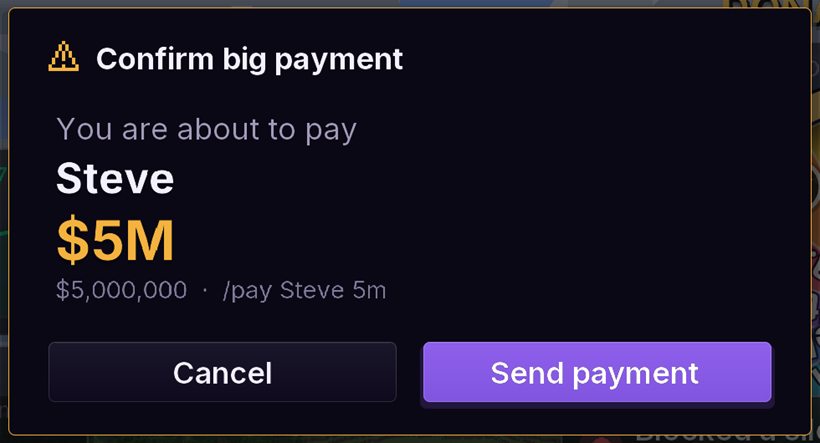
Yes. Streamer Plus never asks for your password and never touches your Minecraft, Microsoft or Discord login. It only reads what the server already shows you, and it never sends money for you. Big /pay commands ask you first.
Press End, or type /birdmod in chat. You can change the key in Options › Controls under Streamer Plus.
The one that matches your Minecraft version: 26.3, 26.2 or 1.21.11. Each button gives you the file built for that version only. If you play on Lunar Client, use 26.3. The 26.3 build is a beta pre-release, so report any bugs in the Discord.
Yes, on 26.3. Make a Fabric profile in Lunar, add Fabric API next to Streamer Plus, and you're set. Close Lunar before you swap in a new version.
It's made for DonutSMP and understands its payment and tax messages. Other servers work too if they announce payments the same way, like "Name paid you $1M".
Streams, chat, Money Alerts and everything else work on Windows and macOS. The Spotify page uses Windows' media controls, so it's Windows only for now.
They show badges next to other Streamer Plus users and let watch parties sync through a public relay. You can switch them off in Settings and everything else keeps working.
On your computer, in the config/birdmod folder of your Minecraft profile. Copy that folder to keep your stats when you move to a new profile.
The video player that shows your stream is built into the mod, so you don't have to install anything else.
Each download lists its SHA-256. On Windows, run Get-FileHash on the file in PowerShell and make sure the result matches.

Free to download and set up in a minute. Join the Discord for updates, help and sneak peeks.